ERAS PHOTO / FILE-HANDLING QUESTION
Does an ERAS headshot need a specific file name?
The current AAMC and ECFMG public photo instructions reviewed here do not specify a required filename. They list photo content or file properties and describe where to upload it. That wording does not prove that every filename will work in every account or upload screen; follow any specific instruction shown for your own route.
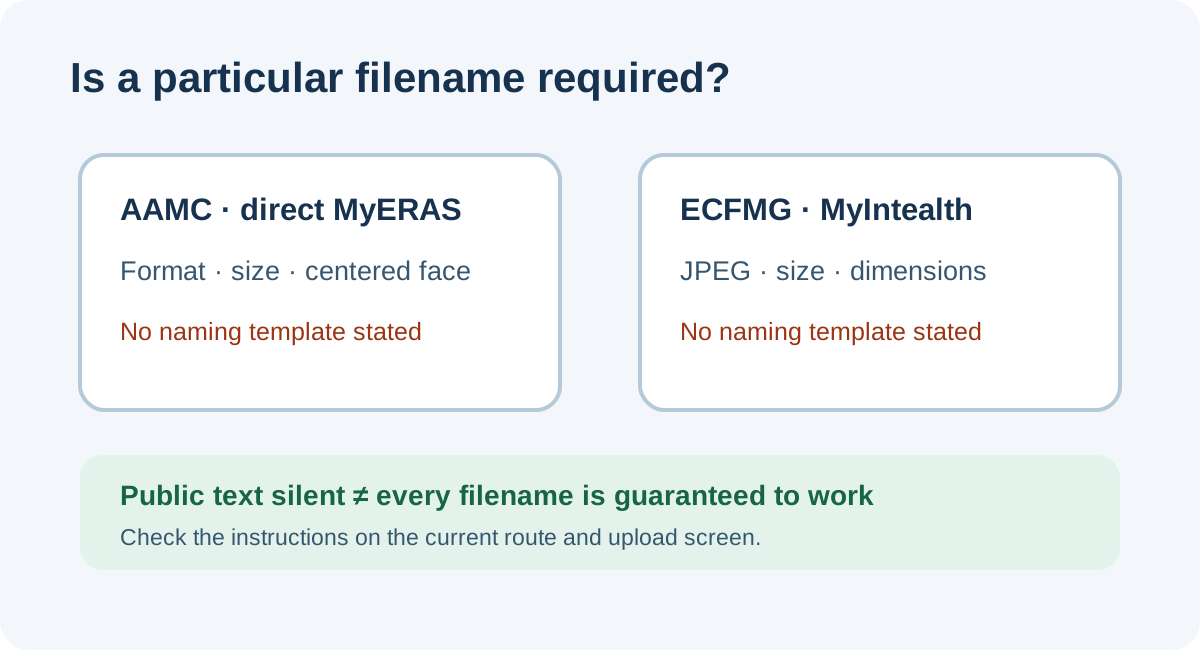
What the current public photo pages specify
The AAMC’s current Photo chapter describes the direct MyERAS route and lists JPG/JPEG or PNG, a 150 KB maximum, and a centered face. Its upload directions say to choose the image file and upload it; the public photo checklist does not state a filename pattern.
For IMG residency applicants using MyIntealth, ECFMG’s ERAS Supporting Documents page lists a JPEG file, a 150 KB maximum, and a maximum size of 2.5 by 3.5 inches. Its photo upload steps tell applicants to upload the photograph and submit it. The photograph section reviewed here also does not name a filename rule.
These are separate routes and the requirements should not be blended. The statements above describe only the public pages reviewed on November 1, 2026. A portal can show additional instructions, and this page does not test either upload system or promise that an arbitrary filename will be accepted.
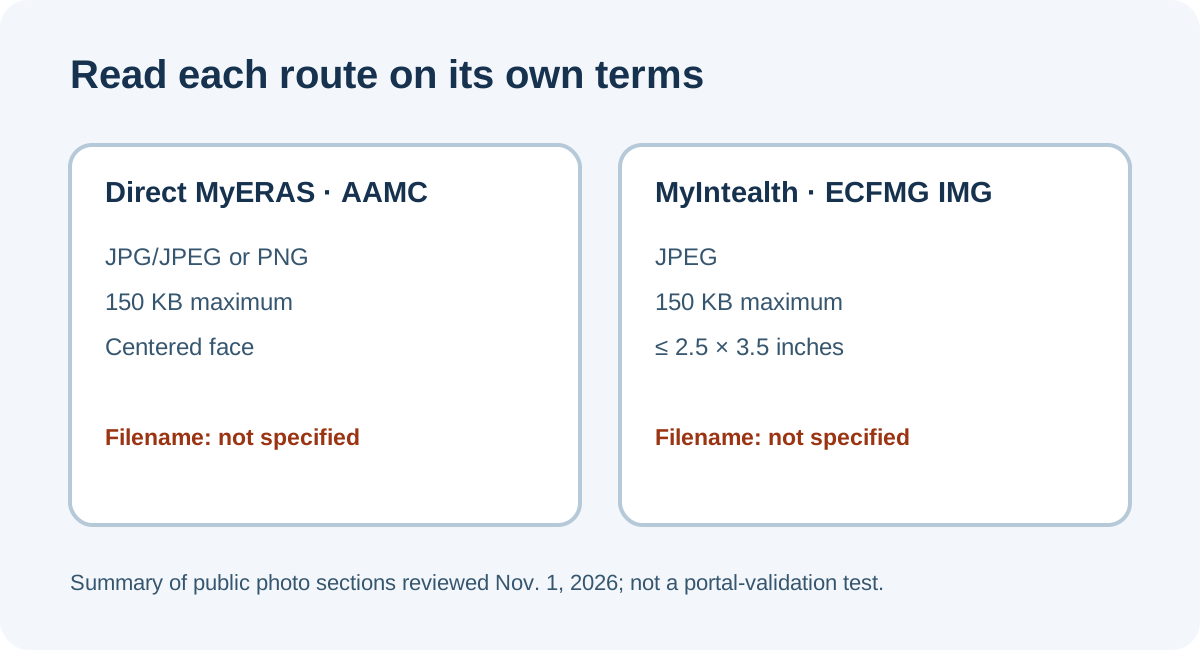
Separate a written rule from an omitted detail
A useful source check has three outcomes: a rule is stated, a rule is explicitly ruled out, or the public text is silent. “No filename rule appears in these sections” belongs in the third category. It is narrower than saying filenames do not matter, and it cannot establish what an account’s upload software validates.
For a route-specific read, first name the upload destination: direct MyERAS for the AAMC instructions, or MyIntealth for the ECFMG IMG photo workflow. Next, read the current photo section and the live instructions beside the file picker. Record a filename rule only if one is actually printed there. Keep the format, byte limit, image dimensions, and filename as separate fields; one does not substitute for another.
If an upload message mentions a filename, preserve its exact wording and check the current route instructions before changing files. If it reports a different issue, do not infer that renaming will repair it. If the screen remains ambiguous, ask the support team for the route shown in that account and include the exact message, not a guess about a hidden check.
This workflow is an original synthesis of the two route pages and their stated upload steps. It is designed to prevent an unsupported filename rule from being repeated as official policy; it does not confirm any applicant’s file acceptance.
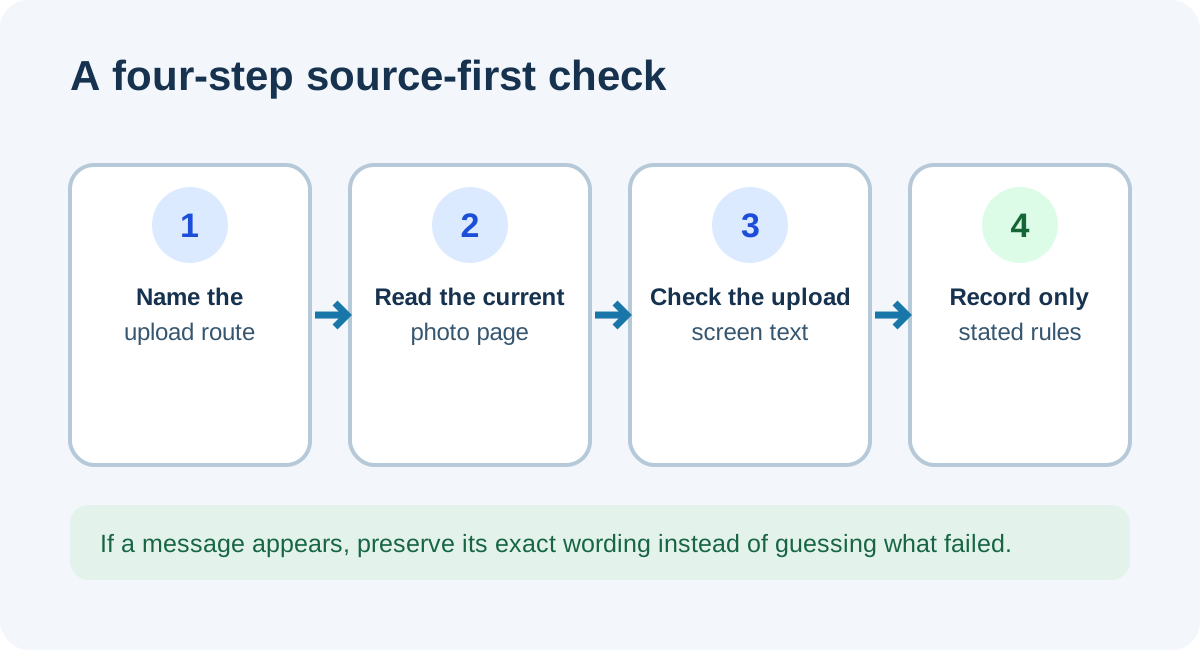
A four-field note for your own upload
- Route: note whether the account uses direct MyERAS or MyIntealth.
- Photo criteria: copy the current route’s listed format, size, and image requirements into separate fields.
- Filename wording: write down a rule only if the current source or upload screen states one; otherwise record “not specified in the text reviewed.”
- Message: if the upload does not proceed, save the exact on-screen message and contact the route’s support channel rather than guessing which property caused it.
Keeping these fields separate makes a later support question concrete: it shows the route, the source wording, and the actual message without turning an omitted filename detail into a requirement.
Common questions
Does the filename have to include my name?
The AAMC and ECFMG photo sections reviewed here do not say that it does. Do not treat this source check as proof about every portal screen.
Does a filename rule tell me which image format to use?
No. Follow the format listed for the route you use. A name ending in “.jpg” is not itself evidence that the file is encoded as JPEG; see the filename-versus-format explanation.
Can I conclude the portal ignores filenames?
No. The reviewed public wording does not specify a filename pattern, and this article did not test an applicant portal. Follow any current account-specific text or ask the corresponding support service.
Sources and scope
- AAMC, Photo — current public direct-MyERAS photo criteria and upload steps.
- ECFMG, ERAS Supporting Documents — Photograph — MyIntealth IMG photo specifications, submission steps, and assignment information.
- Reddit, “Eras ps pdf file name type” — a public ERAS-related question about a personal-statement PDF filename, used only as evidence that file-label uncertainty arises; it is not about a headshot and does not establish photo rules.
Public pages were checked November 1, 2026. No applicant account, private file, or upload portal was accessed. The article distinguishes written specifications from omitted wording; it does not predict portal acceptance. Residency Headshot is independent and is not affiliated with AAMC, ECFMG, Intealth, or ERAS Support Services.