FILE LAB / ERAS HEADSHOT
Does changing DPI make an ERAS headshot smaller or sharper?
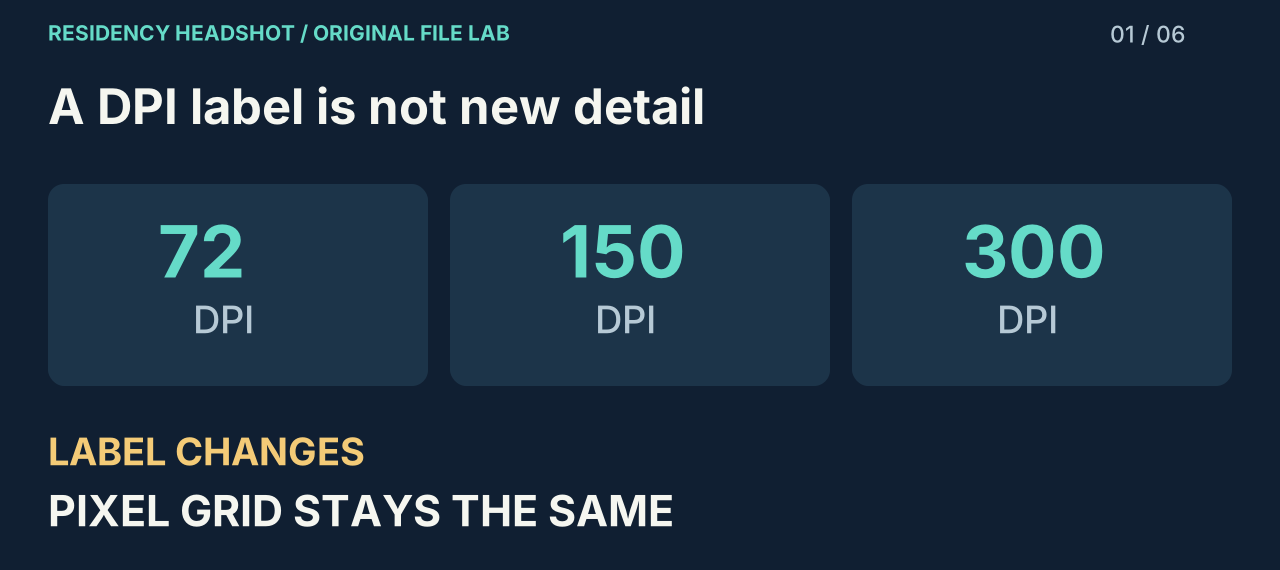
Changing only the DPI metadata does not resize or sharpen the pixels. In our controlled test, three copies had the same pixel dimensions and byte count. If an editor also resizes or recompresses the image, its appearance or size can change.
Which ERAS photo instructions apply?
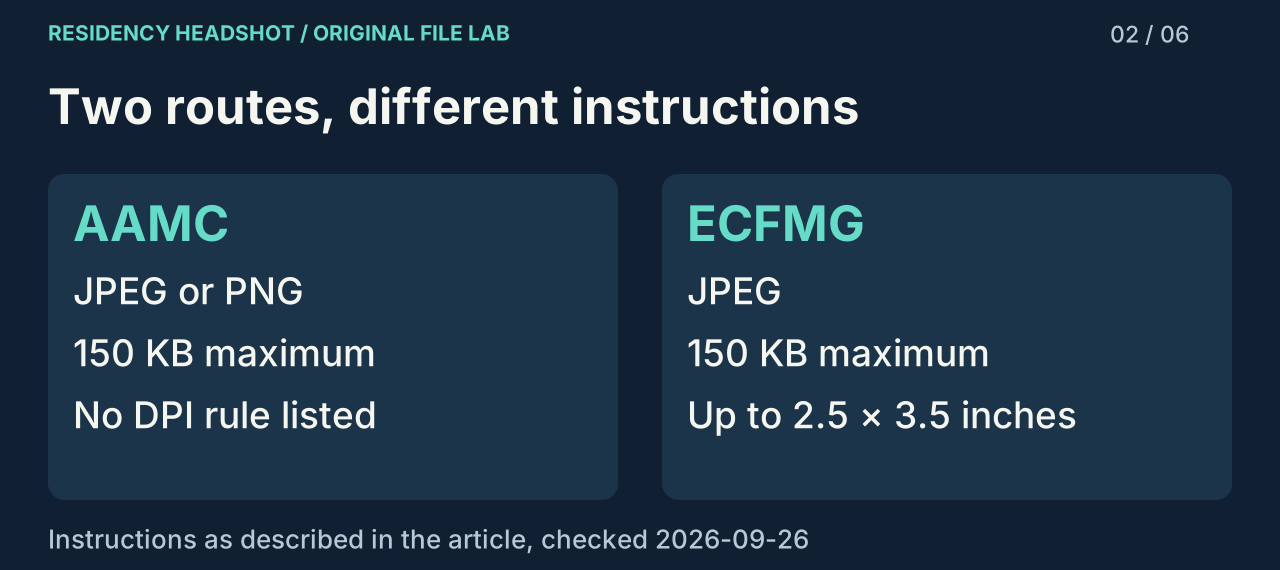
The current AAMC photo page lists JPG/JPEG or PNG, a maximum file size of 150 KB, and a centered face. It does not list a DPI or pixel-dimension requirement. IMG applicants are directed to ECFMG’s instructions.
ECFMG’s photograph instructions specify JPEG, a maximum of 150 KB, and dimensions no larger than 2.5 by 3.5 inches. They also describe a clear, front-facing head-and-shoulders image. A 375 × 525 pixel file at 150 DPI maps to 2.5 × 3.5 inches; that arithmetic is not a universal AAMC pixel rule.
Our test: change the label, keep the encoded image
We generated one 375 × 525 pixel diagnostic card with text, fine lines, colored shapes and a gradient. We encoded it once as a JPEG at quality setting 90, with 150 DPI density metadata. We then copied those exact bytes and changed only the horizontal and vertical density fields in the JPEG JFIF header to make 72 and 300 DPI variants. We did not run the copies through another JPEG export.
That detail isolates the question. A general-purpose editor might quietly resample the picture or choose a different compression setting when saving. Our method avoids both changes, so a difference caused by a fresh export cannot be mistaken for a difference caused by the DPI label.
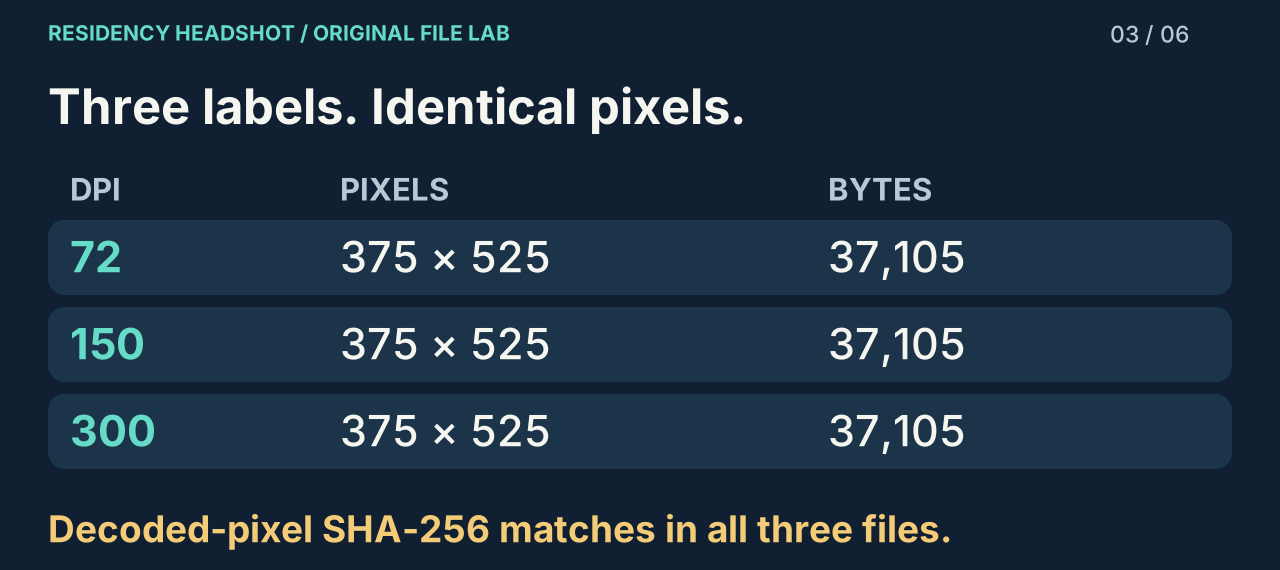
| DPI label | Pixels | Bytes | Calculated inches | Decoded pixels |
|---|---|---|---|---|
| 72 | 375 × 525 | 37,105 | 5.2083 × 7.2917 | Identical |
| 150 | 375 × 525 | 37,105 | 2.5 × 3.5 | Identical |
| 300 | 375 × 525 | 37,105 | 1.25 × 1.75 | Identical |
All three files contain 37,105 bytes. Each decoded to the same RGB pixel sequence: we compared the complete decoded data using a SHA-256 digest, rather than judging a thumbnail by eye. The file hashes differ because the metadata bytes changed; the decoded-pixel hashes match. The measurements file includes both kinds of digest so those two claims can be checked separately.
The displayed print dimensions are calculated as pixel width or height divided by that file’s density value. For example, 375 ÷ 150 = 2.5 and 525 ÷ 150 = 3.5. At 300 DPI, those same pixels map to fewer inches. No additional image detail appeared when the density value increased.
Download all three test JPEGs and measurements · Read the recorded results
Repeat the comparison without confusing screen size with quality
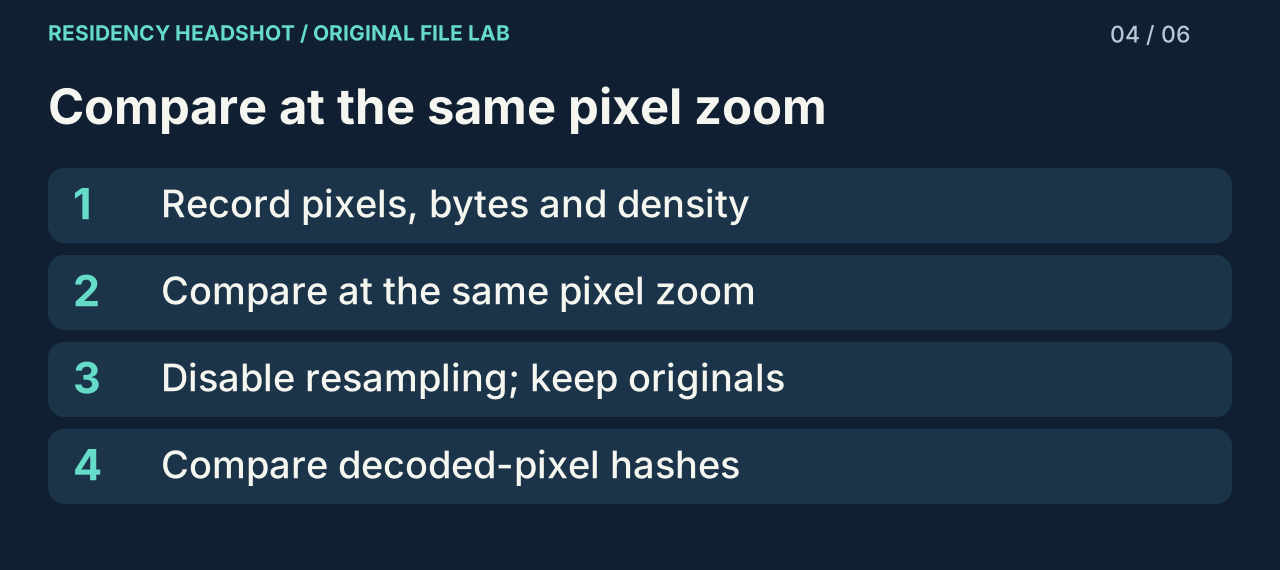
- Download the test files and keep their filenames. Open each file’s properties and record width, height, byte count and density separately. Do not rely on an application’s rounded “KB” label to establish exact equality.
- Open the three files at the same pixel zoom, such as 100%. Compare the same lettering and fine lines. A print-layout program may place the copies at different physical sizes because it honors the density tag; that is a change of display scale, not evidence of new pixels.
- If you use an editor to repeat the experiment, turn off any resampling option. Keep the original and the new file. If byte counts differ, check whether the application rewrote other metadata or encoded a new JPEG before concluding that density caused the difference.
- Use the downloaded measurements to compare pixel hashes if you have a decoder available. Matching hashes establish that the decoded pixel sequence was identical in this experiment; they do not establish that a portrait meets every application requirement.
The useful distinction in our results is between file identity and image identity. Two files can differ at the byte level while rendering exactly the same pixels. Conversely, a file can keep the same DPI number while an editor reduces its pixel dimensions and makes fine detail harder to inspect.
A decision sequence for your own file
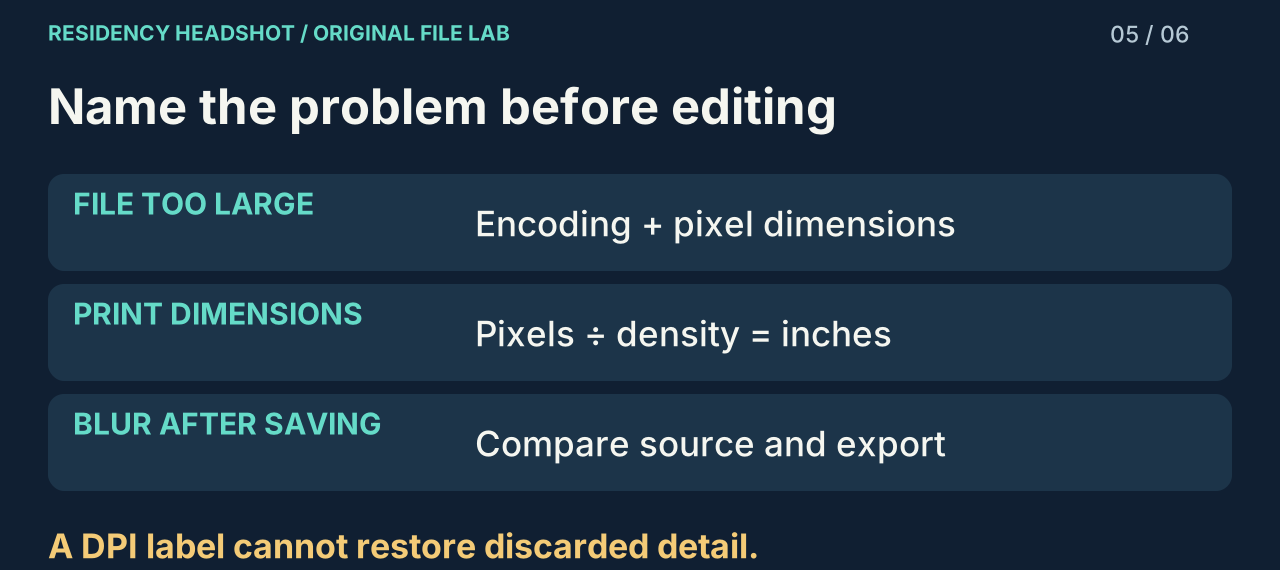
Start by naming the actual problem. If a file exceeds your portal’s byte limit, record its current pixel dimensions and byte size before changing anything. A density-only edit did not reduce bytes in our test, so use an export that actually changes the file encoding or pixel dimensions, and then measure the new copy.
If the issue is calculated inches, inspect the density metadata as well as the pixels. Our three variants demonstrate why pixel dimensions alone do not identify one physical print size. When density is missing, report it as missing; do not turn an assumed value into a verified file property.
If the issue is blur after saving, compare the source and export at the same displayed pixel size. Check whether width and height decreased, whether compression added visible blocks, or whether the original was already soft. Raising the DPI label cannot restore discarded detail. Keep the original available so the next attempt does not start from a repeatedly compressed copy.
For this site’s preparation tool, expect a new 375 × 525 JPEG copy with 150 DPI metadata and a conservative size target. That tool performs cropping and image encoding as well as adding density metadata. Its export is a different operation from the metadata-only experiment above. Inspect the finished portrait before using it.
Prepare a separate JPEG copy →
Watch the 58-second explanation
This short visual summary separates density metadata, pixel resizing and JPEG compression. Captions are included, and the same checks are explained in full above.
Questions before you export
Is 150 DPI always an AAMC requirement?
It is not listed on the current AAMC photo page we checked. Use the instructions for your own application route, and distinguish a tool’s export preset from a published requirement.
Why did my file get smaller when I changed DPI?
Your software may have resized or recompressed it during the same operation. Compare its pixel dimensions and export settings. Our metadata-only test did not reduce its byte count.
Does a passing file check guarantee acceptance?
No. File checks do not establish whether your portrait is clear, recent, recognizable or acceptable to a particular program. Review the photograph and your portal’s current instructions.
What this experiment does not prove
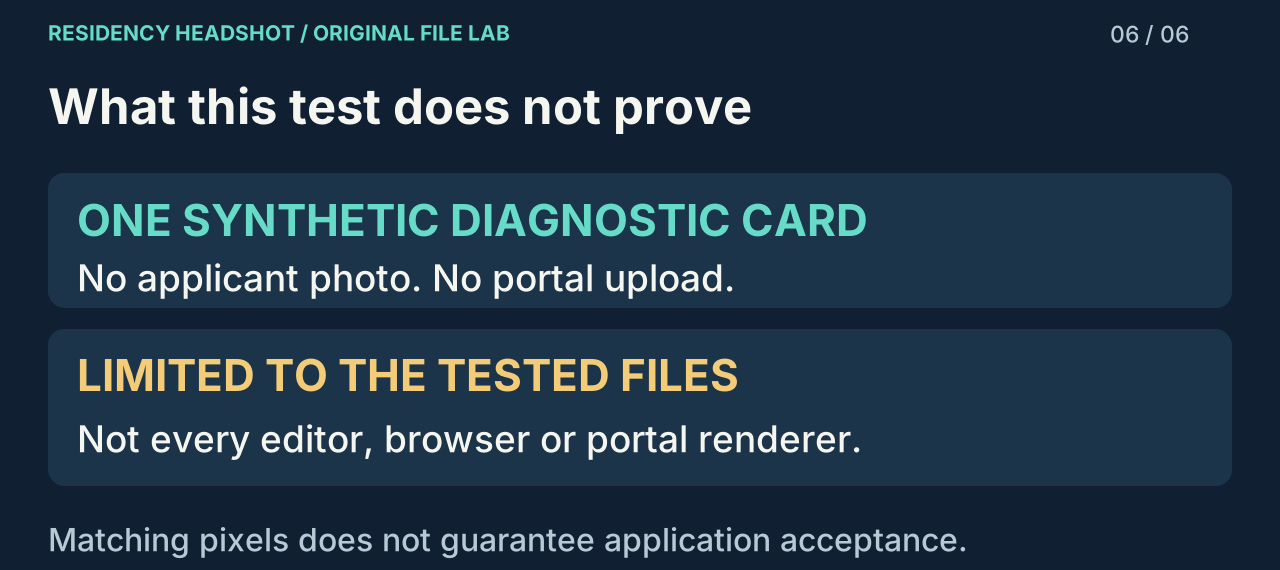
We used one synthetic card so we could share every input without exposing an applicant’s portrait. We did not upload it to MyERAS or MyIntealth, and it is not a submission example. We did not test every photo editor, browser or portal renderer. The controlled result is narrower: modifying only these density fields preserved decoded pixels and byte count for these files. A different saving process may change additional fields or image data.
Sources and method
Official requirements were checked on 2026-09-26. Our measurements and diagrams are original work. The downloadable results record the test method and raw values. This site is independent of AAMC, ERAS and ECFMG.